How offgen works
From approved presentation template to client-ready proposal.
offgen brings your PowerPoint master, complete presentation template, reusable content library, protected template elements, and client briefing into one controlled process for proposals, pitchbooks, and recurring reports.
01
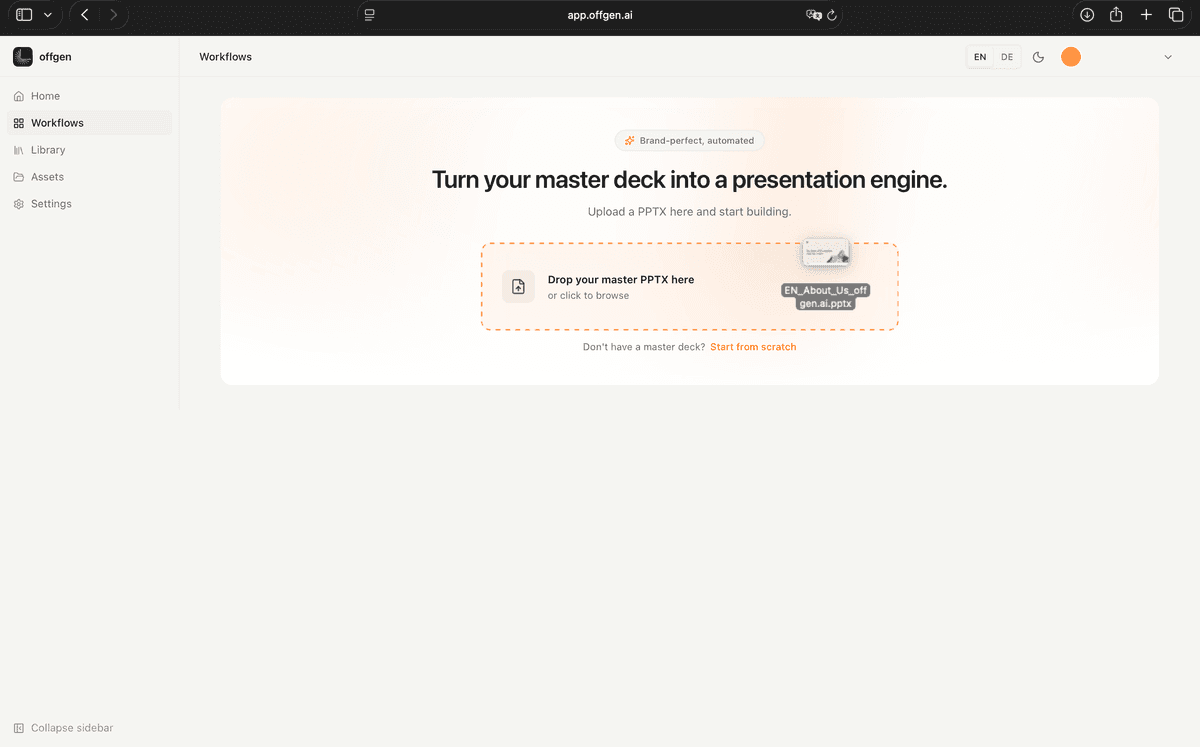
Connect the master and presentation template.
Start with the PowerPoint master and complete presentation template your team already uses. offgen reads layouts, placeholders, typography, colors, spacing, bullets, and reusable slide structures that define how finished material should look.
02
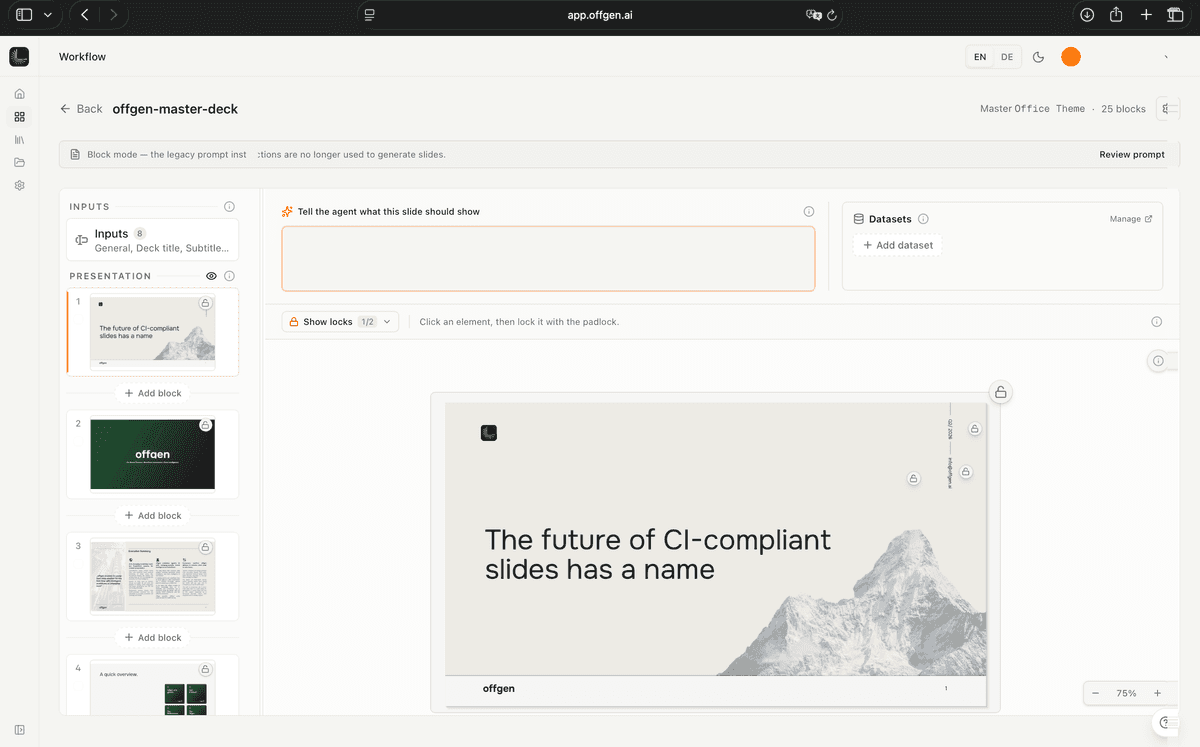
Translate brand rules into controls.
The master and presentation template become a set of practical rules for generated presentations: approved colors, fonts, spacing, layouts, bullet styles, placeholders, and reusable slide patterns are made available during creation.
Explore the feature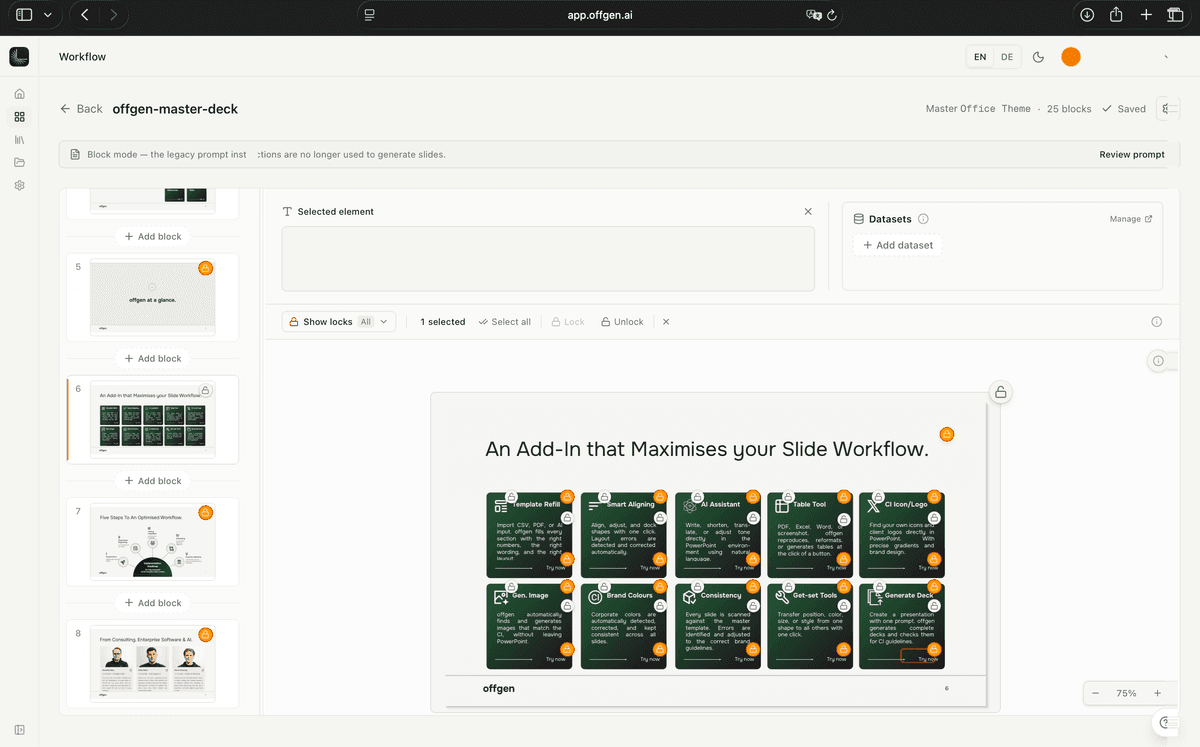
03
Protect approved content.
Lock the elements that should never be changed by generation, such as legal pages, disclaimers, logos, methodology diagrams, approved wording, or cover structures.
Explore the feature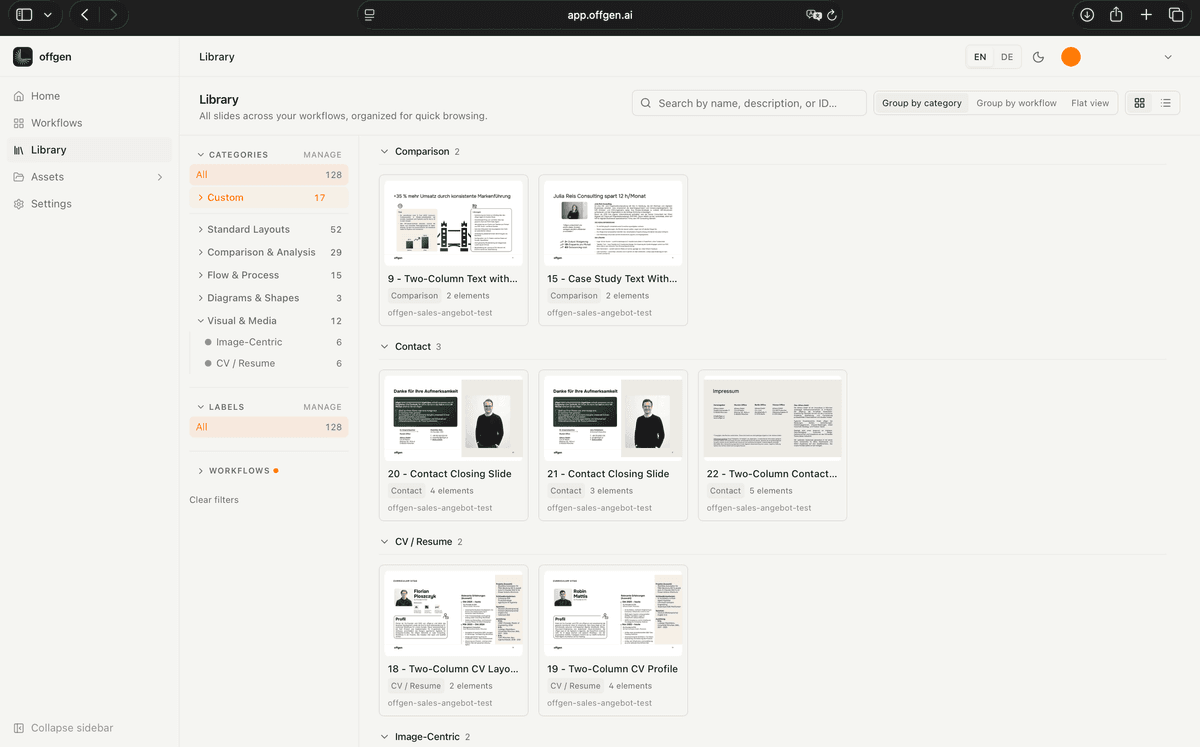
04
Build the reusable content library.
Store templates, slide blocks, CVs, case references, credentials, and reusable proof points with the tags teams need to find the right material by industry, capability, geography, and language.
Explore the feature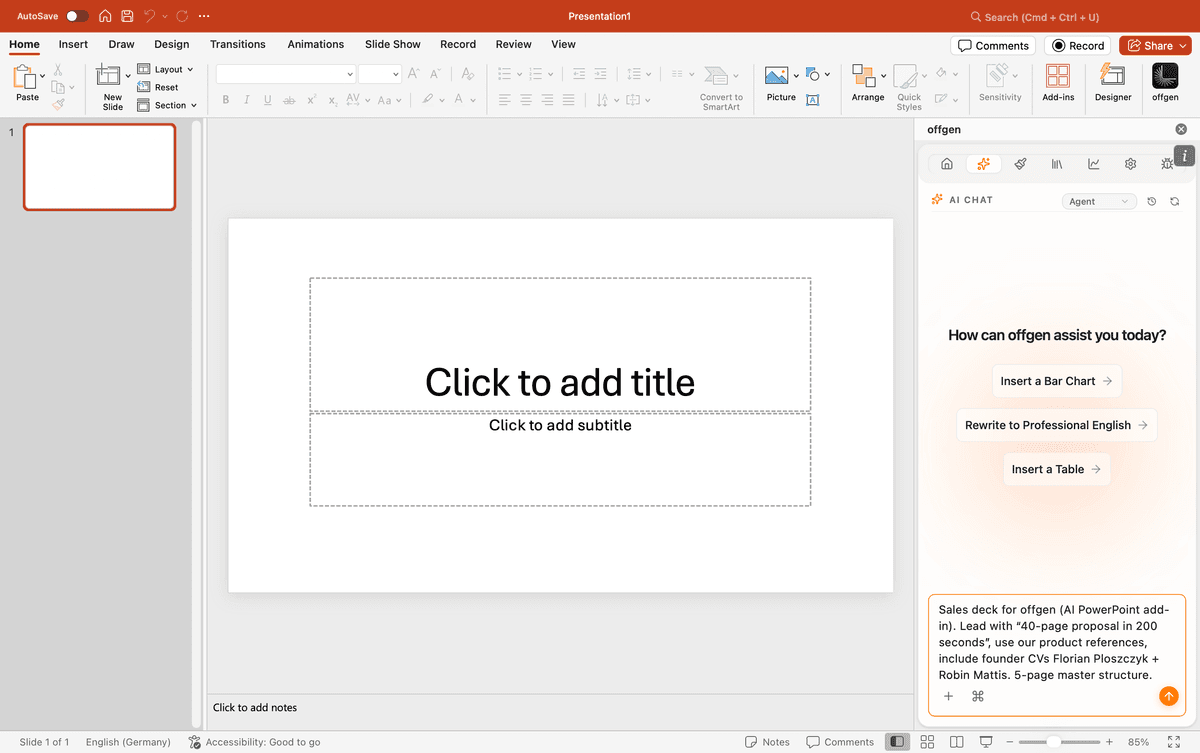
05
Brief the client context.
Describe the client, objective, sector, audience, relevant references, and people profiles. offgen uses the brief to assemble the right structure and content before generation begins.
Explore the feature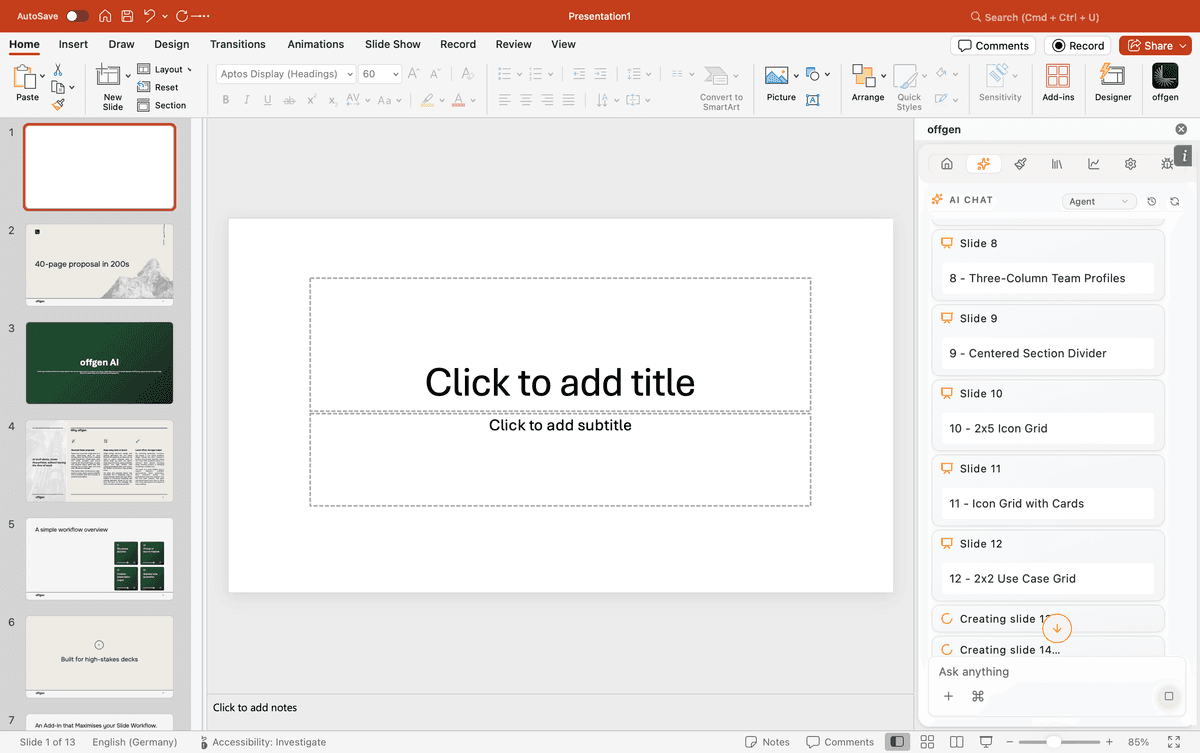
06
Review the editable PowerPoint output.
The generated presentation opens as a native PowerPoint file based on your master and approved presentation template, with structured content, relevant CVs and references, and editable objects ready for expert review and final delivery.
Explore the featureProduct FAQ
How offgen supports professional presentation work inside PowerPoint.
Book a demo
Choose a time and share how your company creates PowerPoint presentations today.
We will map your PowerPoint knowledge base, MCP use cases, governance rules, and first agentic presentation workflow.
In 30 minutes, you will see
How existing masters, templates, slide libraries, and approved content become a Company Brain
How people and AI agents can create native PowerPoint presentations through MCPs
How brand governance, editability, human review, and enterprise security work together