Product tour
Your template. Your standards. Directly in PowerPoint.
offgen works with your master, layouts, and approved content. Every slide remains natively editable and follows the rules your team already uses.
What offgen preserves
Six standards offgen applies consistently across every presentation.
Masters and layouts stay intact.
offgen fills content into your existing PowerPoint structure with the right dimensions, placeholders, and layouts. Not a recreation, but the file your team already uses.
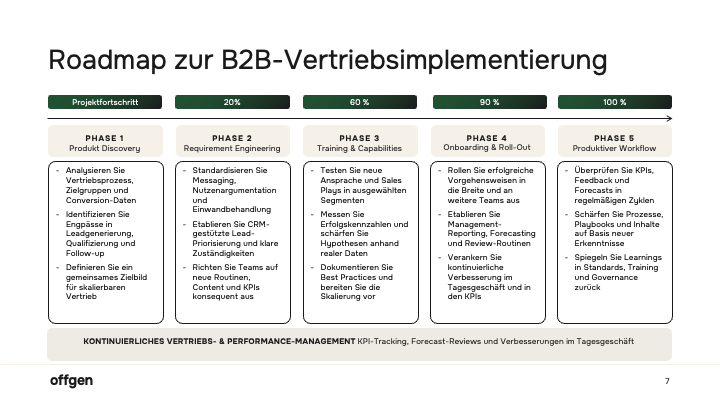
The approved palette is applied.
Fills, lines, and accents follow your brand tokens, avoiding default colors, inconsistent greys, and chart legends that drift from the standard.
Bullet styles and indents remain consistent.
Bullet symbols, spacing, and indent rules come from your master. offgen uses those settings directly instead of placing new text boxes or mismatched formatting on top.
Fonts, sizes, and text styles match.
Headlines, body copy, captions, and footnotes follow your typography system. Line heights, weights, and casing stay aligned with the master.
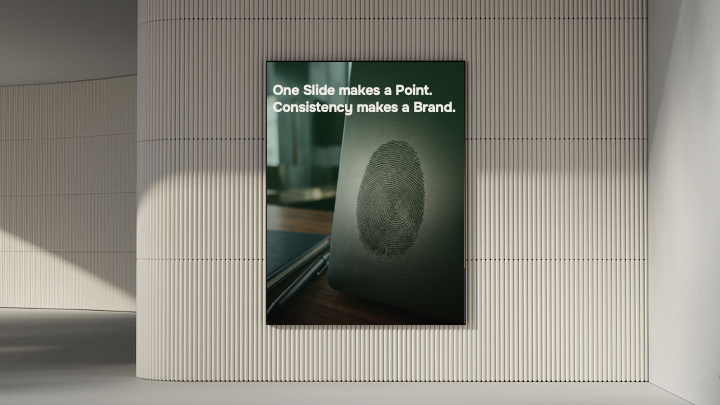
Imagery follows your visual language.
Image suggestions follow your photography brief: framing, treatment, and color feel. The result fits the brand instead of looking like generic stock.
Approved icons and logos are available.
offgen uses the icon families and logos approved by your design or compliance team, directly in PowerPoint without switching tools.

How it works
Describe your goal
Describe the topic, audience, and key messages, or provide existing material.
Review the storyline
Review and refine the proposed structure before slides are generated.
Receive an editable presentation
offgen creates formatted, native PowerPoint slides in your template, ready for review, refinement, and delivery.
See offgen with your own template.
In a 20-minute demo, we will show how offgen handles your master, colors, layouts, text styles, imagery, and approved assets inside your PowerPoint template.